
Identity that holds
Faces, outfits, and palette carry across shots.
Nano Banana 2.1 is live — sharper edits, cleaner text, up to 4K
Multi-reference generation — anchor characters, wardrobe, and art direction, then generate shots that stay in the same world.
Avoid copyrighted characters, logos, music and sensitive or explicit content — it may be blocked.
Estimated cost: 5 credits
Your creation appears here
Pick a model, describe the shot, and hit Generate.
Why Reference to Video
Reference to video is for work that needs more than a single clip: recurring characters and a steady look.
Faces, outfits, and palette carry across shots.
Up to 30 images on Seedance 2.5, nine on MiniMax H3 Max.
Seedance 2.5, Wan 3.0, and MiniMax H3 Max accept clip and audio references.
The same references work across every shot.
Reference to video guide
Reference to video generates clips from several reference images, and on some models from video and audio cues as well. It exists to solve one problem: keeping the same character, outfit, and look from one shot to the next. This page explains how to use it.
Instead of a single first frame, you provide a set of references that define the subject and style, plus a prompt for the new shot. Seedance 2.5 accepts up to 30 reference images, 10 reference videos, and 10 audio clips. MiniMax H3 Max accepts up to nine images, three videos, and three audio clips. Wan 3.0 takes up to 10 images, 5 videos, and 5 audio clips.
Choose references that agree with each other. Use one clear face, the outfit, and the setting, in similar lighting. If a reference contradicts another, the model has to compromise and consistency suffers. In the prompt, say what each image contributes, such as "the jacket from reference two".
A clear view of the face and body.
The items that must stay the same.
The place, palette, and art direction.
Reuse the same reference set for every shot in a scene and change only the prompt. Generate an establishing shot, a medium shot, and a close-up with the same references, and the sequence will read as one world. Draft at low resolution first, then re-run the shots you keep.
How to use Reference to Video
Pick agreeing images for character, wardrobe, and setting.
Who uses Reference to Video

Scenes with the same cast throughout.

A consistent spokesperson across a campaign.

The same model and outfit across angles.
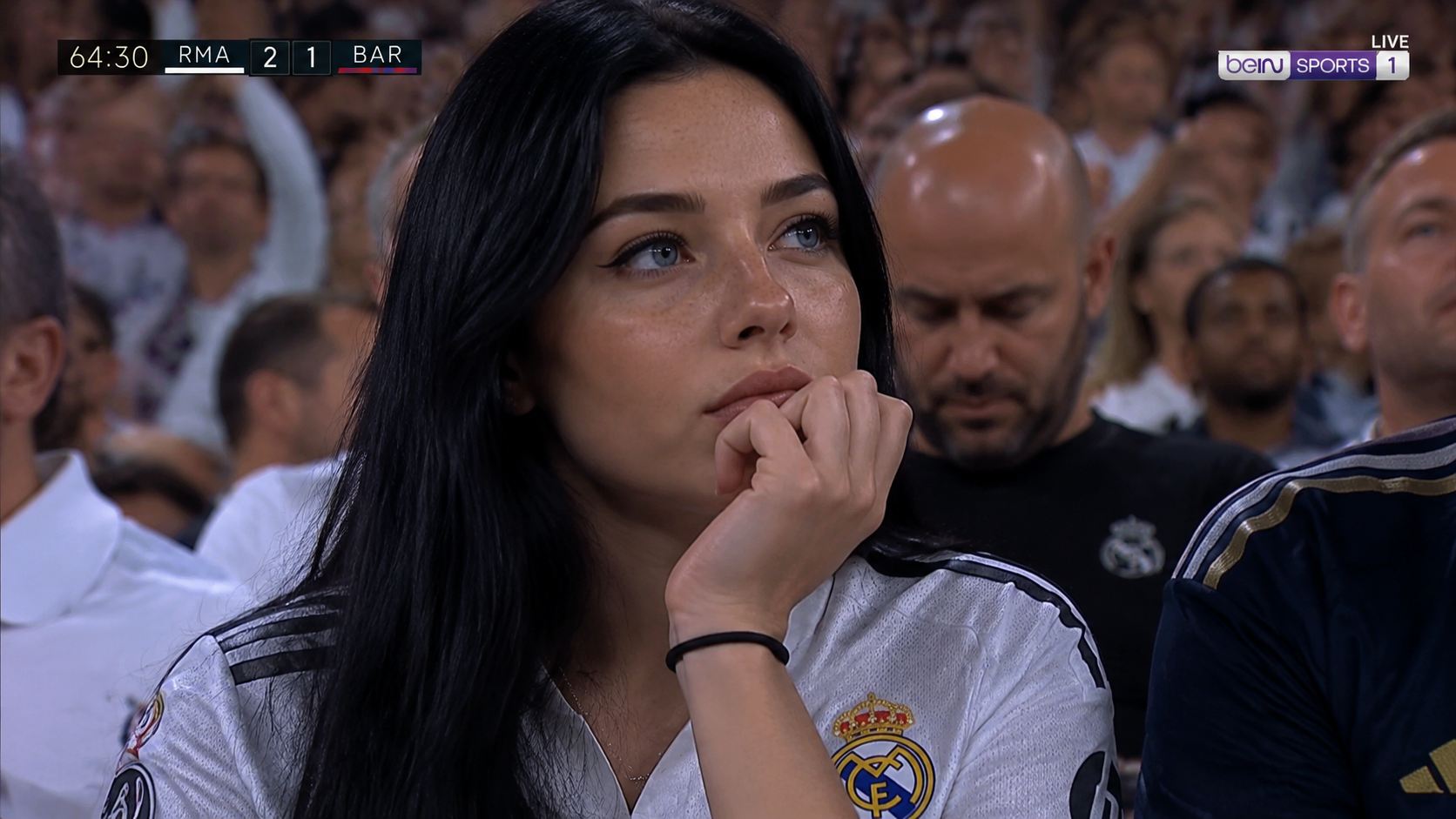
Episodes that keep a recognizable look.
More models
Switch engines without switching tools — Nano Banana 2.1 plus the strongest public image and video models, side by side in the Nano Banana AI studio.
 Muse VideoNewFlagship multimodal video with native audio
 Seedance 2.5HotMulti-reference Seedance with native audioSeedance 2.0Previous-gen Seedance up to 4KSeedance 2.0 FastFastFastest Seedance tier for drafts
 MiniMax H3Fast text/image to video up to 2KMiniMax H3 MaxHotReference-driven video consistency
 Veo 3.1Google’s cinematic drafting engine
 Wan 3.0Flexible duration and adaptive framing
 Kling 3.0Dramatic motion from a single prompt
 GPT Image 2.5NewSharp text and precise edits to 4KGPT Image 2Versatile image generation to 4KNano Banana 2.1NewFast drafts and precise edits to 4KNano Banana ProHotHigh-fidelity image output to 4KNano Banana 2Fast drafts and conversational editsNano Banana 2 LiteFastLightweight tier for quick, low-cost drafts
FAQ