Fast drafts
Test ideas at 1K in moments.
Nano Banana 2.1 is live — sharper edits, cleaner text, up to 4K
Describe the visual — subject, setting, light, style — and render it up to 4K.
Avoid copyrighted characters, logos, music and sensitive or explicit content — it may be blocked.
Estimated cost: 5 credits
Your creation appears here
Pick a model, describe the shot, and hit Generate.
Why Text to Image AI
Type a description, choose a size, and get a finished image in seconds.
Test ideas at 1K in moments.
GPT Image 2.5 handles posters, labels, and signs.
From square to 21:9 and 9:16.
Resolution for print and large screens.
Text to image guide
Text to image creates a picture from a written description. This page covers how to write prompts that work, which model to choose for text-heavy designs, and which sizes are available.
You describe the visual, choose a model, resolution, and aspect ratio, and the model renders it. Nano Banana 2.1 is the default for fast drafts, and GPT Image 2.5 is the pick when the image contains words. Sizes range from 1K to 4K, and aspect ratios run from square to 21:9 widescreen and 9:16 vertical.
Name four things: the subject, the setting, the light, and the style. "A glass perfume bottle on black marble, cool side lighting, minimal luxury product photography" gives a model enough to produce a coherent image and enough for you to adjust.
For text in images, put the exact words in quotes and say where they go. Keep headlines short. GPT Image 2.5 is the strongest choice for posters, labels, and signage.
What is in the picture.
Where it is and how it is lit.
Photo, illustration, 3D, or painting.
If a result is close, change one thing. Adjust the lighting, swap the background, or tighten the wording, then generate again. Explore at 1K and render the winner at a higher resolution to keep costs down.
How to use Text to Image AI
Subject, setting, light, and style.
Who uses Text to Image AI

Illustrations for stories and articles.

Ad and social visuals on demand.

Product mockups and promotional graphics.
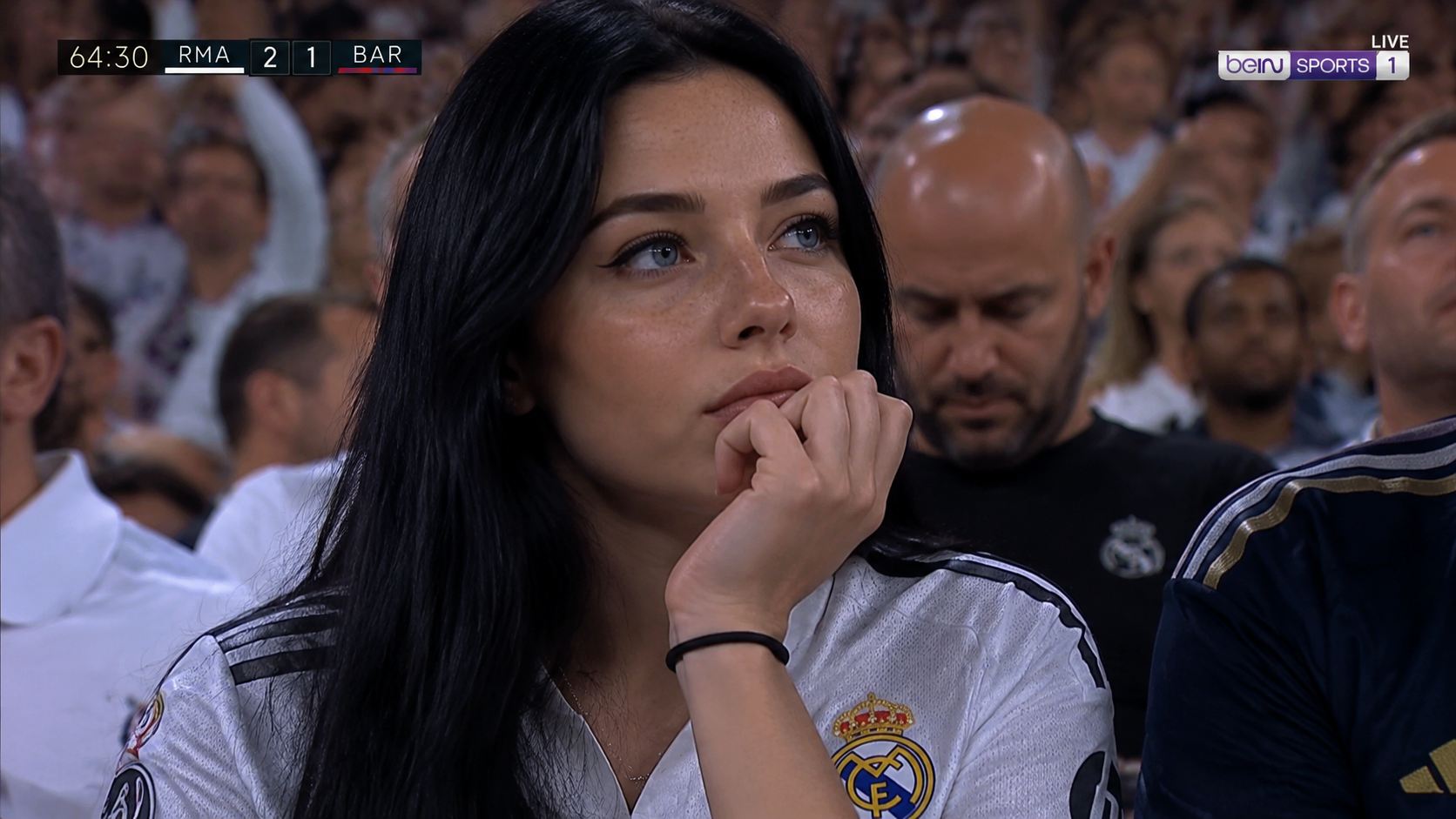
Art, wallpapers, and gifts.
More models
Switch engines without switching tools — Nano Banana 2.1 plus the strongest public image and video models, side by side in the Nano Banana AI studio.
 Muse VideoNewFlagship multimodal video with native audio
 Seedance 2.5HotMulti-reference Seedance with native audioSeedance 2.0Previous-gen Seedance up to 4KSeedance 2.0 FastFastFastest Seedance tier for drafts
 MiniMax H3Fast text/image to video up to 2KMiniMax H3 MaxHotReference-driven video consistency
 Veo 3.1Google’s cinematic drafting engine
 Wan 3.0Flexible duration and adaptive framing
 Kling 3.0Dramatic motion from a single prompt
 GPT Image 2.5NewSharp text and precise edits to 4KGPT Image 2Versatile image generation to 4KNano Banana 2.1NewFast drafts and precise edits to 4KNano Banana ProHotHigh-fidelity image output to 4KNano Banana 2Fast drafts and conversational editsNano Banana 2 LiteFastLightweight tier for quick, low-cost drafts
FAQ