
Fine detail
Faces, fabric, and product surfaces stay crisp.
Hot
The pro tier of Nano Banana — finer detail, steadier edits, and clean 4K output for production assets.
Avoid copyrighted characters, logos, music and sensitive or explicit content — it may be blocked.
Estimated cost: 5 credits
Your creation appears here
Pick a model, describe the shot, and hit Generate.
Why Nano Banana Pro
Nano Banana Pro is for the final render: the shot that has to hold up under close inspection.
Faces, fabric, and product surfaces stay crisp.
Composite and restyle with a large reference set.
Targeted changes without disturbing the rest.
PNG or JPG files ready for print.
Nano Banana Pro guide
Nano Banana Pro is the high-fidelity tier of the Nano Banana family. It is the model to use when an image is going to be seen closely: a hero product shot, a portrait, or a print layout. This guide explains what Pro adds and how to fit it into a workflow with the other image models.
Pro favors fidelity over speed. It renders finer detail on faces, skin, fabric, glass, and metal, and it keeps edits steadier when you ask for a change. It accepts a text prompt plus up to eight reference images, and exports PNG or JPG at 1K, 2K, or 4K.
Aspect ratios include auto, 1:1, 2:3, 3:2, 3:4, 4:3, 4:5, 5:4, 9:16, 16:9, and 21:9, which covers portrait ads, landscape banners, and most social formats.
Materials and textures hold up when zoomed in.
Changes stay local, and the rest of the image remains intact.
Resolution for print and large displays.
Because Pro rewards specificity, describe the material and the lighting: "brushed aluminum water bottle on wet slate, soft overhead softbox, subtle reflections, 4:5 product photo". For portraits, name the lens feel and the light direction rather than listing adjectives about beauty.
Draft on Nano Banana 2.1, where iteration is faster and cheaper, then finish the chosen composition on Pro. If an image will be printed, cropped heavily, or shown at full screen, Pro is worth the extra credits. For quick variations and social drafts, 2.1 or Nano Banana 2 Lite is usually enough.
How to use Nano Banana Pro
Name the subject, material, lighting, and framing.
Who uses Nano Banana Pro

Key visuals and campaign frames.

Polished assets for web and print.

Studio-style shots without the studio.
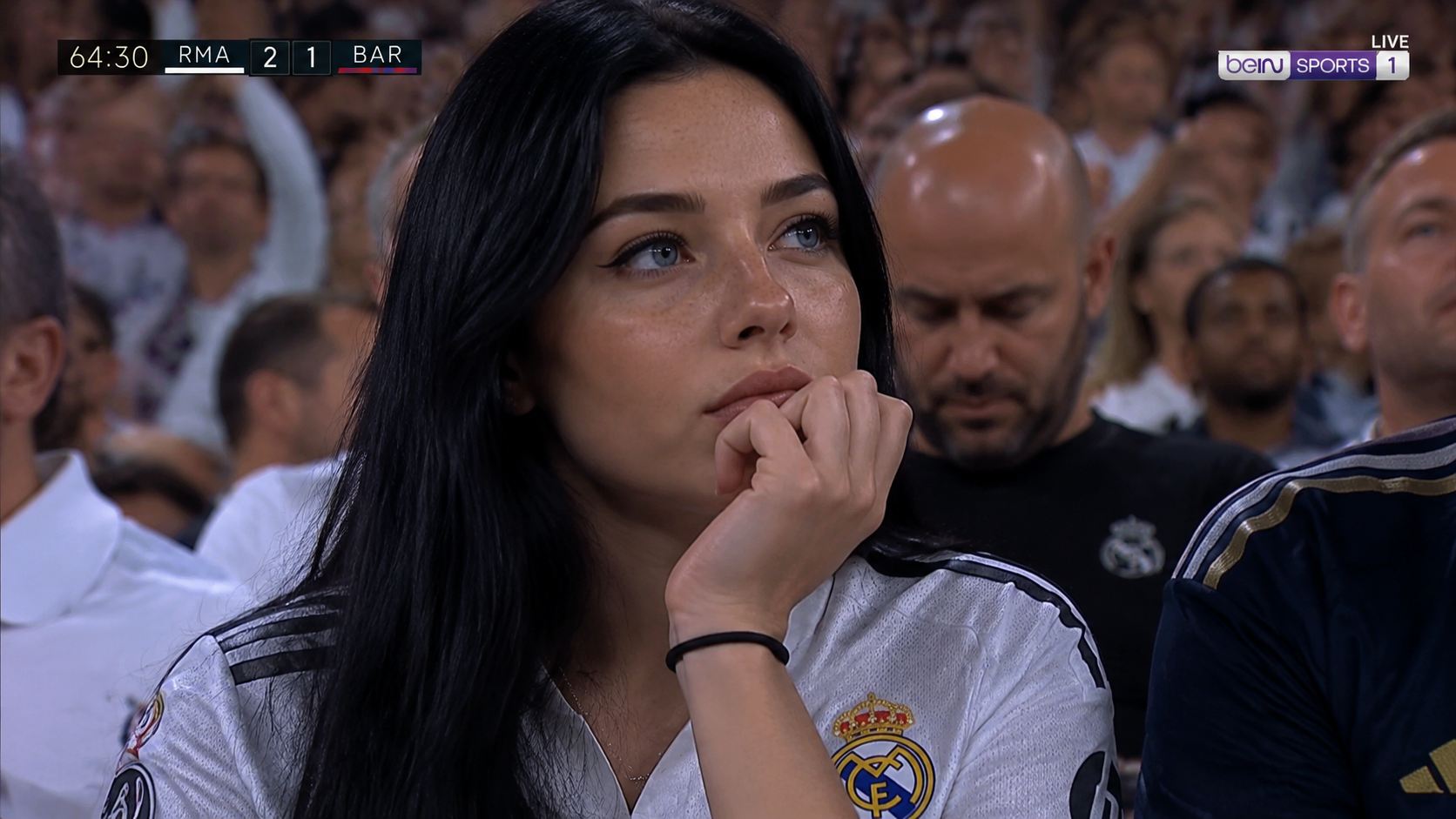
High-fidelity people and wardrobe imagery.
More models
Switch engines without switching tools — Nano Banana 2.1 plus the strongest public image and video models, side by side in the Nano Banana AI studio.
 Muse VideoNewFlagship multimodal video with native audio
 Seedance 2.5HotMulti-reference Seedance with native audioSeedance 2.0Previous-gen Seedance up to 4KSeedance 2.0 FastFastFastest Seedance tier for drafts
 MiniMax H3Fast text/image to video up to 2KMiniMax H3 MaxHotReference-driven video consistency
 Veo 3.1Google’s cinematic drafting engine
 Wan 3.0Flexible duration and adaptive framing
 Kling 3.0Dramatic motion from a single prompt
 GPT Image 2.5NewSharp text and precise edits to 4KGPT Image 2Versatile image generation to 4KNano Banana 2.1NewFast drafts and precise edits to 4KNano Banana ProHotHigh-fidelity image output to 4KNano Banana 2Fast drafts and conversational editsNano Banana 2 LiteFastLightweight tier for quick, low-cost drafts
FAQ